Connections & Relationships
Lesson 6: The Invisible Threads (Connections)
“A plot hole is just a broken connection.”
The human brain is terrible at remembering nitty-gritty details over a span of 300 pages.
“Wait, did Alisa ever actually meet the King, or did she just hear about him?”
“Is this the first time the protagonist has visited this city?”
If you get this wrong, your readers will notice. They love to catch these mistakes.
The Connections system is your insurance policy against plot holes.
Step 1: Anchoring the Cast
Go to your protagonist’s Connections tab.
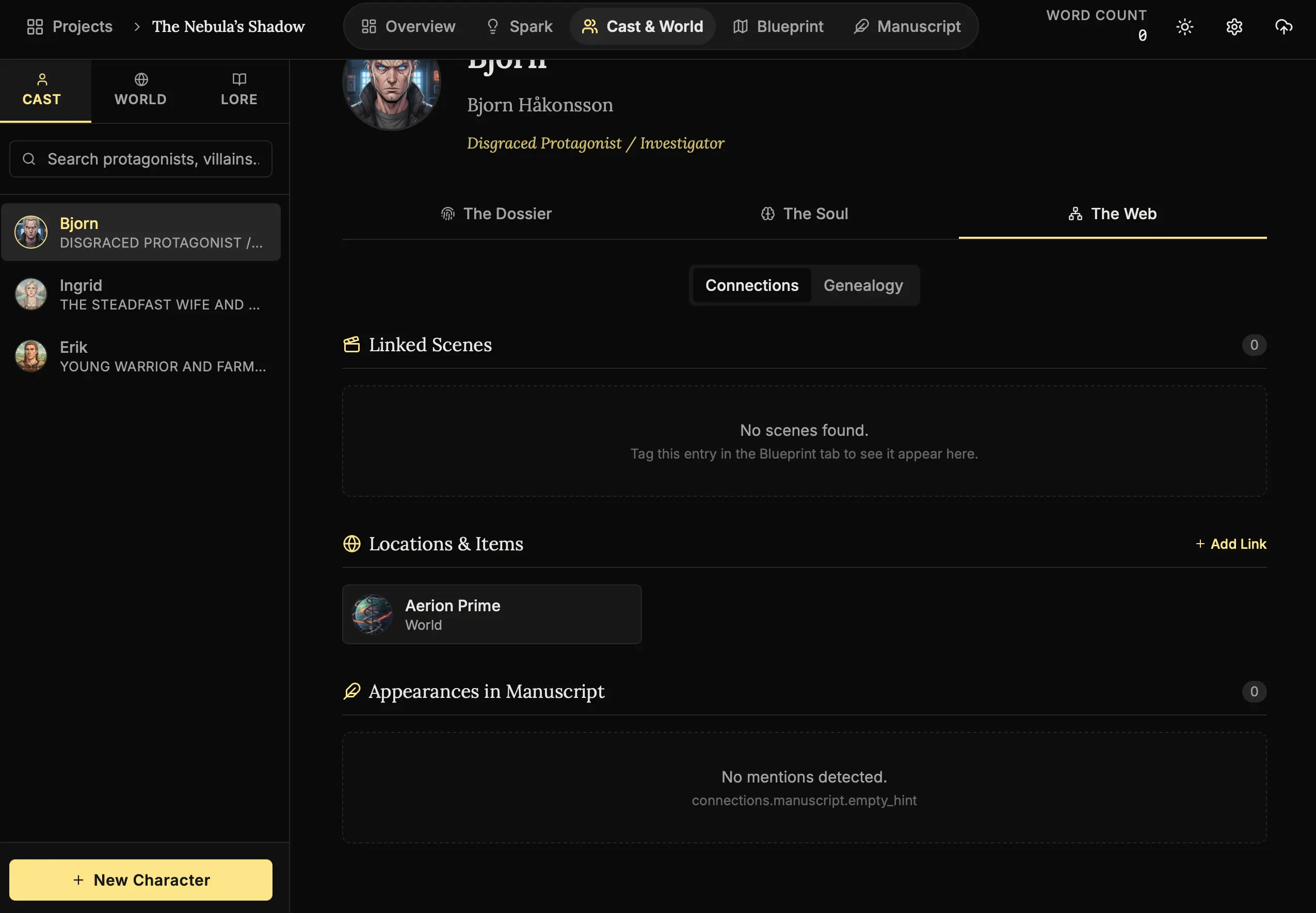
How to anchor a character:
- Open Connections:
Open a character dossier and click “The Web” -> “Connections”. - Add a Link:
Click “Add Link”. - Search:
Type the name of a location (e.g., “The Iron City”). - Connect:
Select it from the list. The system creates a permanent bond between the person and the place.
The Logic:
By explicitly linking your character to a location, you are creating a hard data point. Later, when writing a scene, you’ll know exactly who belongs where.
Step 2: The Two-Way Memory (Bidirectional Links)
The magic of this system is that it works both ways.
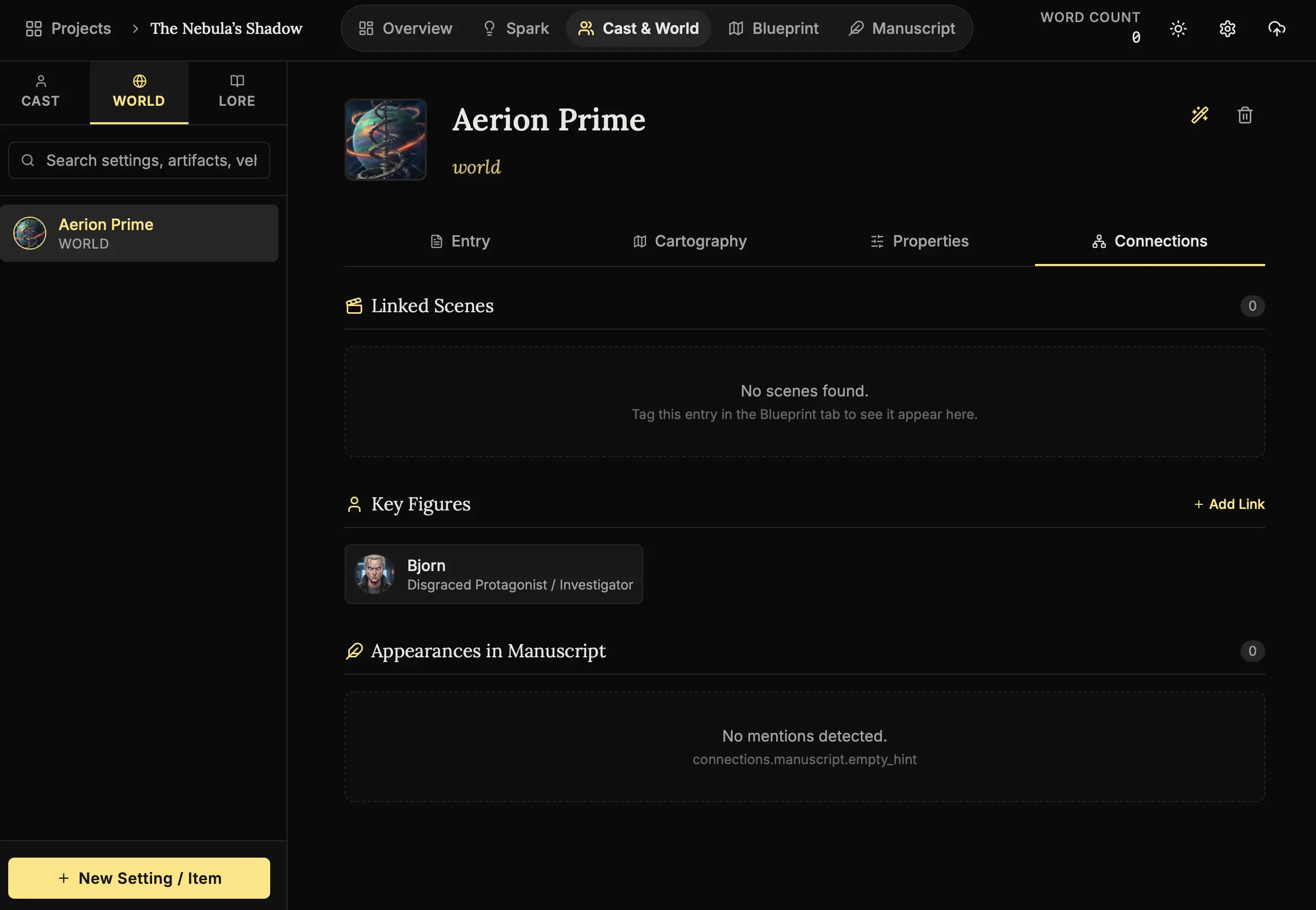
Verifying the threads:
- Click the Link:
Click the location icon in your character’s connection list. - Transport:
You are instantly taken to that Location’s page. - Check Key Figures:
Look at the sidebar. Your character is now listed as a Key Figure.
Professional Use Case:
Use this for Secrets. Create a Lore entry called “The Secret of the King.” Link only the characters who know it. When writing dialogue, check the link. If a character isn’t listed, they cannot talk about the secret. It keeps your intrigue tight.
Next Steps
We have the people and the web that connects them. Now, let’s define the physics of the world itself.
- Lesson 7: The Laws of Physics (World & Lore) - Defining concrete properties and history.
The web is tight. No plot holes allowed. 🕸️🧠