World & Lore
Lesson 7: The Laws of Reality (World & Lore)
Fantasy and Sci-Fi authors know the term “The Series Bible.”
It is the master document that tells you how fast light travels, how magic costs mana, and the lineage of the royal family.
If you change the rules halfway through the book, you break the reader’s trust. The World & Lore tools are your Series Bible.
Step 1: The Hard Facts (Properties)
A “Metropolis” is just a vague idea. A city with “Population: 12 Million” and “Atmosphere: Toxic” is a setting.
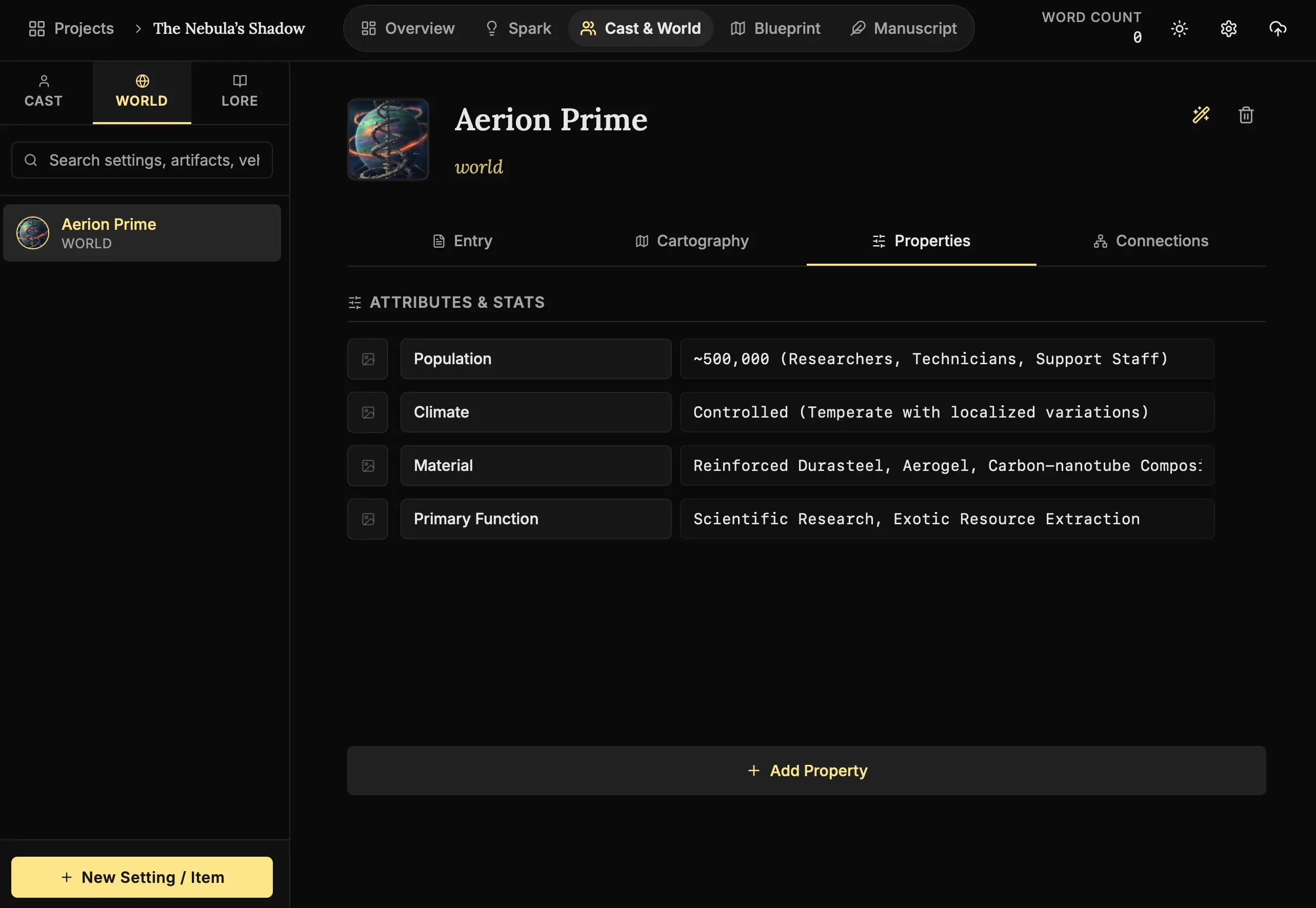
How to define reality:
- Open a Location:
Navigate to Cast & World -> World. Open a location you created (e.g., “The Iron City”). - Switch to Properties:
Click the “Properties” tab. - Add a Fact:
Click “Add Property”.- Key: “Gravity”
- Value: “0.8g”
- Icon: Upload a custom icon if you want a visual cue.
Why track this?
Use the Properties tab for things that must not change.
If you establish in Chapter 1 that gravity is 0.8g, put it here. When you write Chapter 20, check this tab. It prevents you from accidentally having characters run up a wall if the gravity doesn’t allow it.
Step 2: The Rules of Magic (Mechanics)
Whether it’s a magic system, a political hierarchy, or FTL travel, it needs rules.
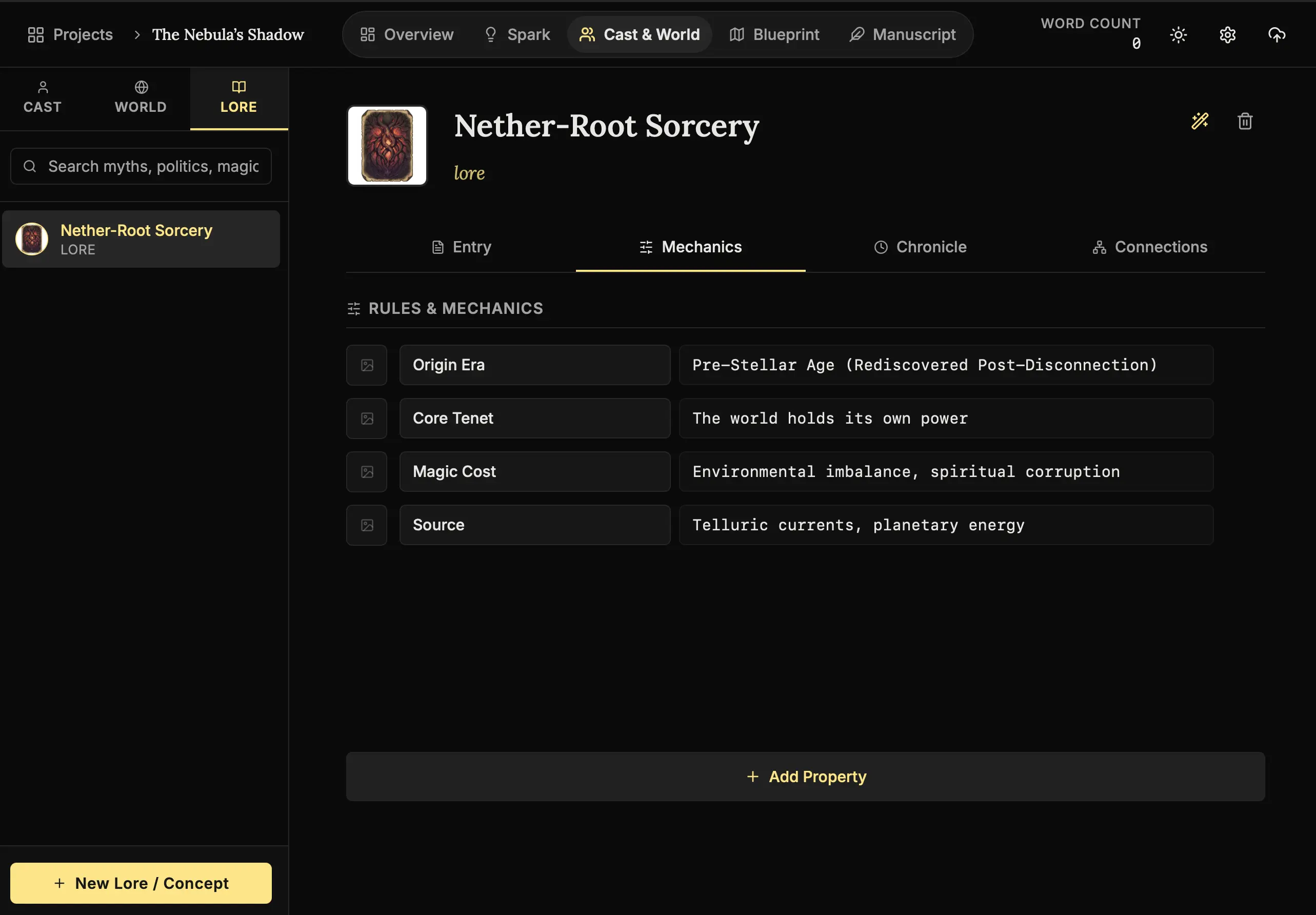
How to legislate your universe:
- Create Lore:
Go to Cast & World -> Lore. Create a new entry (e.g., “Blood Magic”). - Switch to Mechanics:
Click the “Mechanics” tab. - Define Limits:
Add variables that define the “Cost,” “Source,” and “Limitations.”- Variable: “Fuel Source” -> Value: “Iron in the blood”
Soft Magic vs. Hard Magic:
- Soft Magic: “It works because he is the chosen one.”
- Hard Magic: “It costs 5 liters of blood to summon a demon.”
The more limitations you interpret here, the more creative your story will be.
Step 3: The Long Memory (Chronicle)
History didn’t start on Page 1.
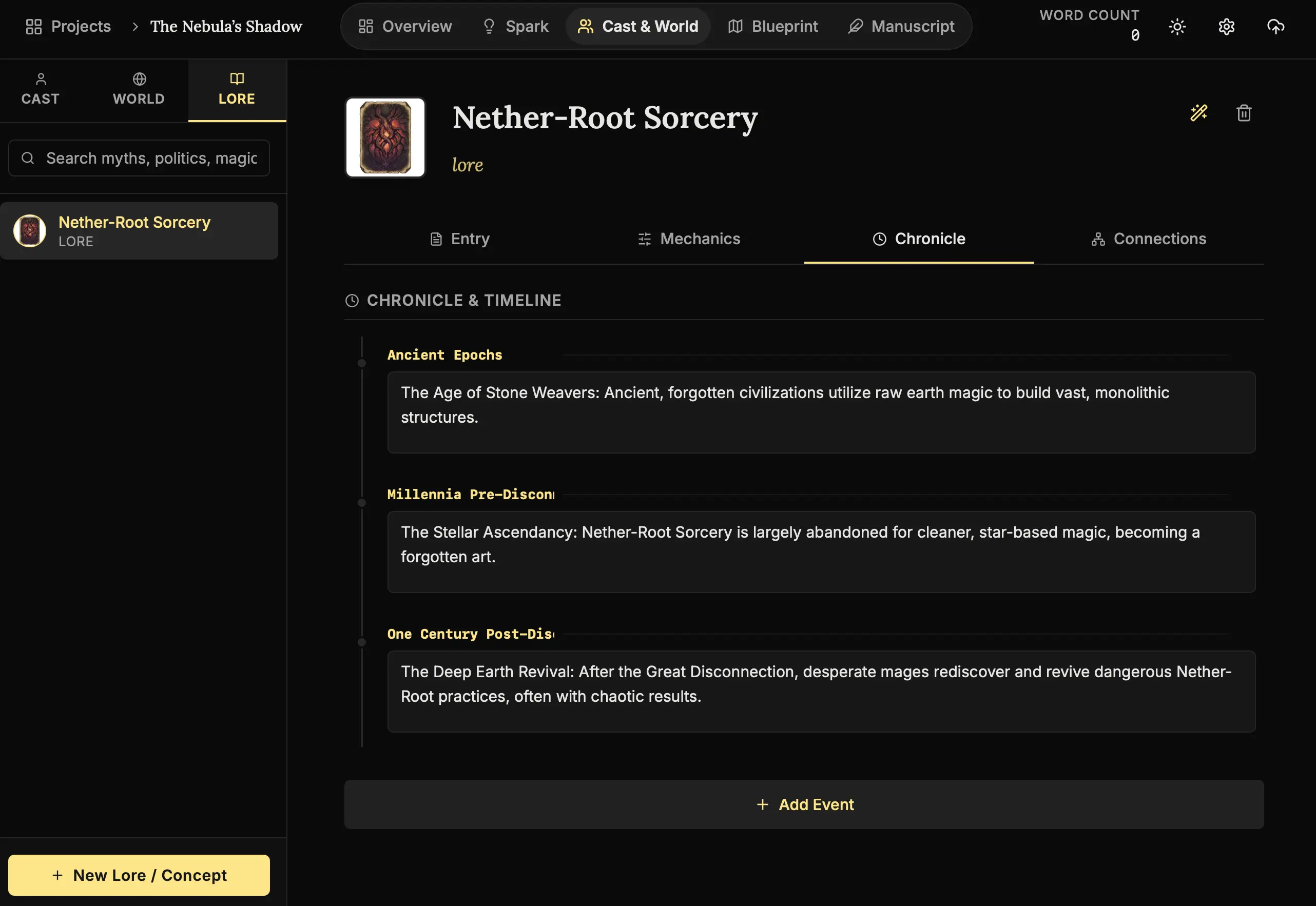
How to map history:
- Switch to Chronicle:
Click the “Chronicle” tab inside your Lore entry. - Add Event:
Click “Add Event”. - Date & Detail:
Enter a date (e.g., “Year 300”) and a description (e.g., “The Great War begins”).
Use the Chronicle to map out what happened before your story started. This is crucial for Backstory.
If your villain is angry about a war that happened 20 years ago, put that war in the Chronicle. Visualizing the timeline helps you pace the slow reveal of secrets to the reader.
Step 4: The Architect (Lore Generation)
Sometimes you know you need a religion, but you don’t know the tenets. The AI can build the foundation for you.
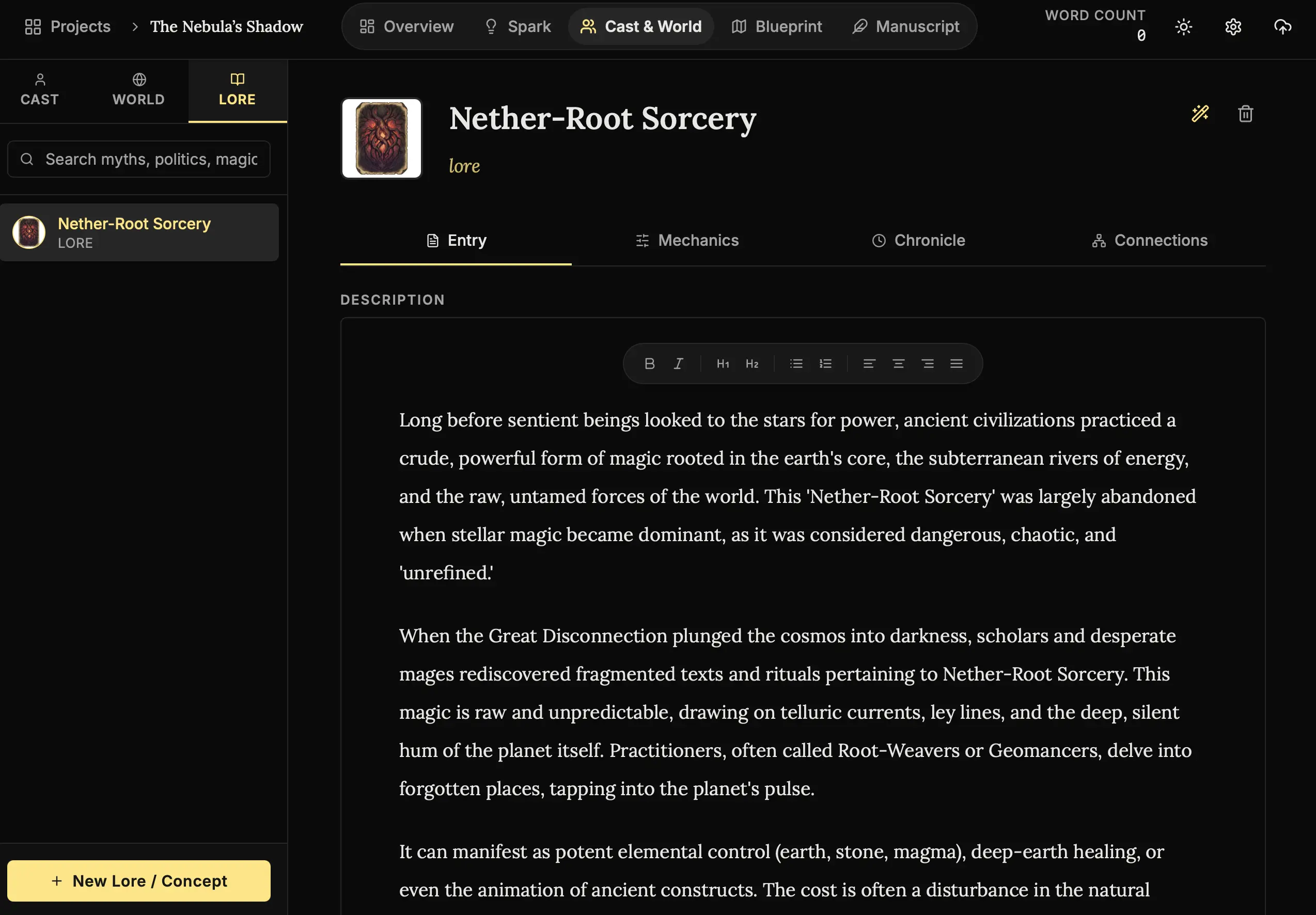
How to summon a concept:
- Lore Wand:
Click the Wand (🪄) inside a Lore entry. - Select Essence:
Choose a type like “Magic System”, “Religion”, or “Political Faction”. - Fabricate:
The Architect will generate core tenets, a history, and even a chronicle for you to edit.
Next Steps
Your world has laws. Now, let’s figure out what happens in it.
- Lesson 8: The Architecture (Blueprint) - Plotting your story.
The laws are written. Gravity is set. Let’s build the plot. 📜⚖️