Spark Board: The Chaos Engine
Lesson 4: The Chaos Engine (Spark)
“Inspiration strikes during the work, but often it strikes sideways.”
The linear document is the enemy of the brainstorm. When you are just starting, your ideas are messy. They are fragments of dialogue, cool pictures, links to Wikipedia articles, and random questions.
If you try to force these into a list, they die.
Enter the Spark Board.
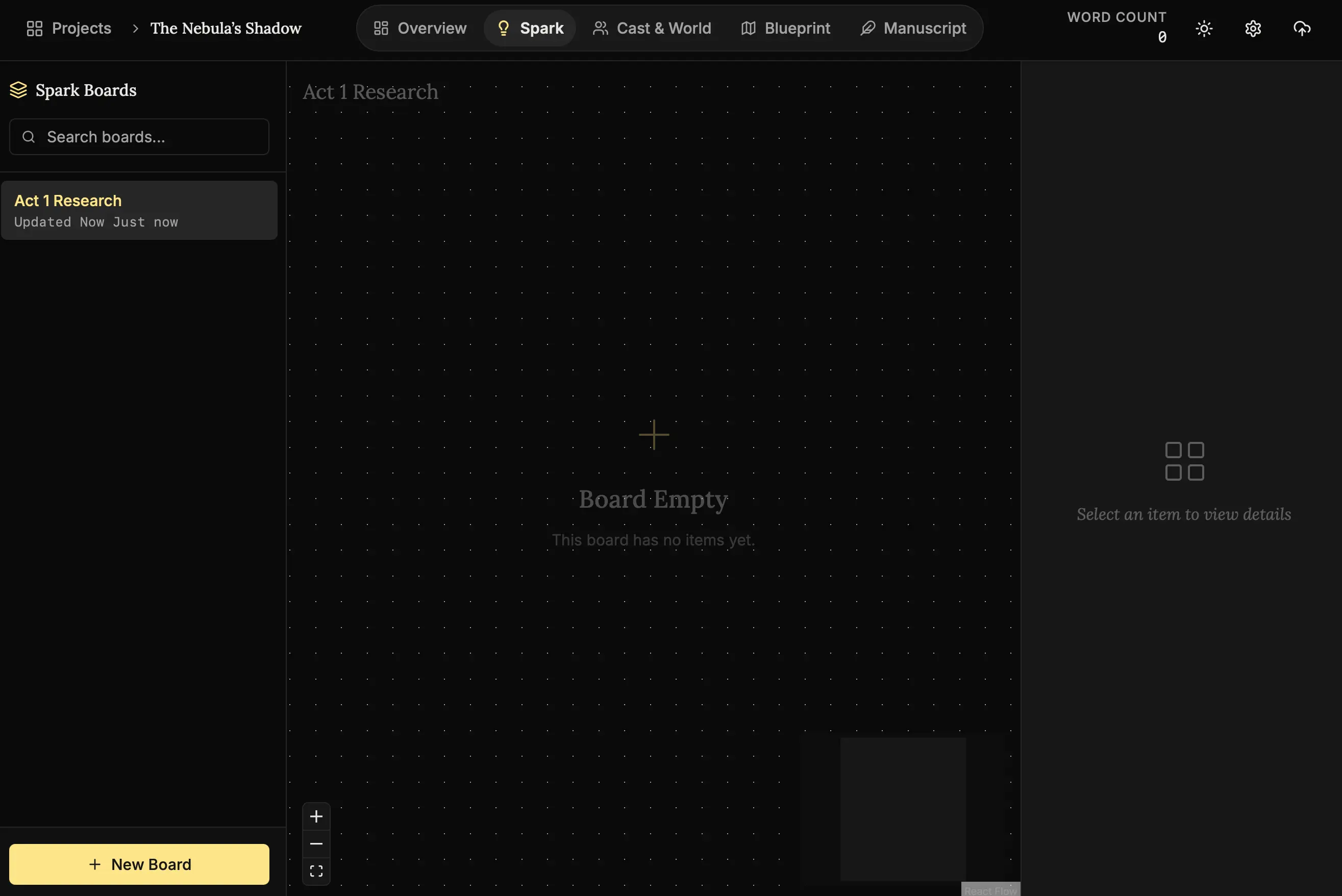
What is this?
This is your infinite desk. It works like a giant corkboard. You can throw anything on it, move it around, and draw lines between things. It is designed to interpret the chaos of your imagination.
Step 1: Claiming Your Space (Creating Boards)
A novelist’s mind is a crowded place. You have ideas for this book, ideas for that sequel, and random thoughts about what to have for dinner. Boards allow you to compartmentalize the storm.
- Navigate to Spark:
Click Spark in the top navigation bar. - Create a New Board:
Click “New Board”. - Name Your Storm:
Change the title to “Act 1 Research”.
Why separate them?
By keeping “Act 1 Research” separate from “Character Ideas,” you ensure that when you enter this space, your brain knows exactly which problem it is trying to solve.
Step 2: The Digital Napkin
Have you ever written an idea on a napkin? This is the digital equivalent.
- Context Menu:
Right-click anywhere on the canvas to reveal your tools: Note, Image, Link, Canvas, Audio, and Video. - Add a Note:
Select “Note” and type your thought: “What if the main character is actually a ghost?” - Visuals:
You can copy-paste images directly from the internet or your clipboard. - Group Them:
Drag the note on top of the image. Now they are a cluster.
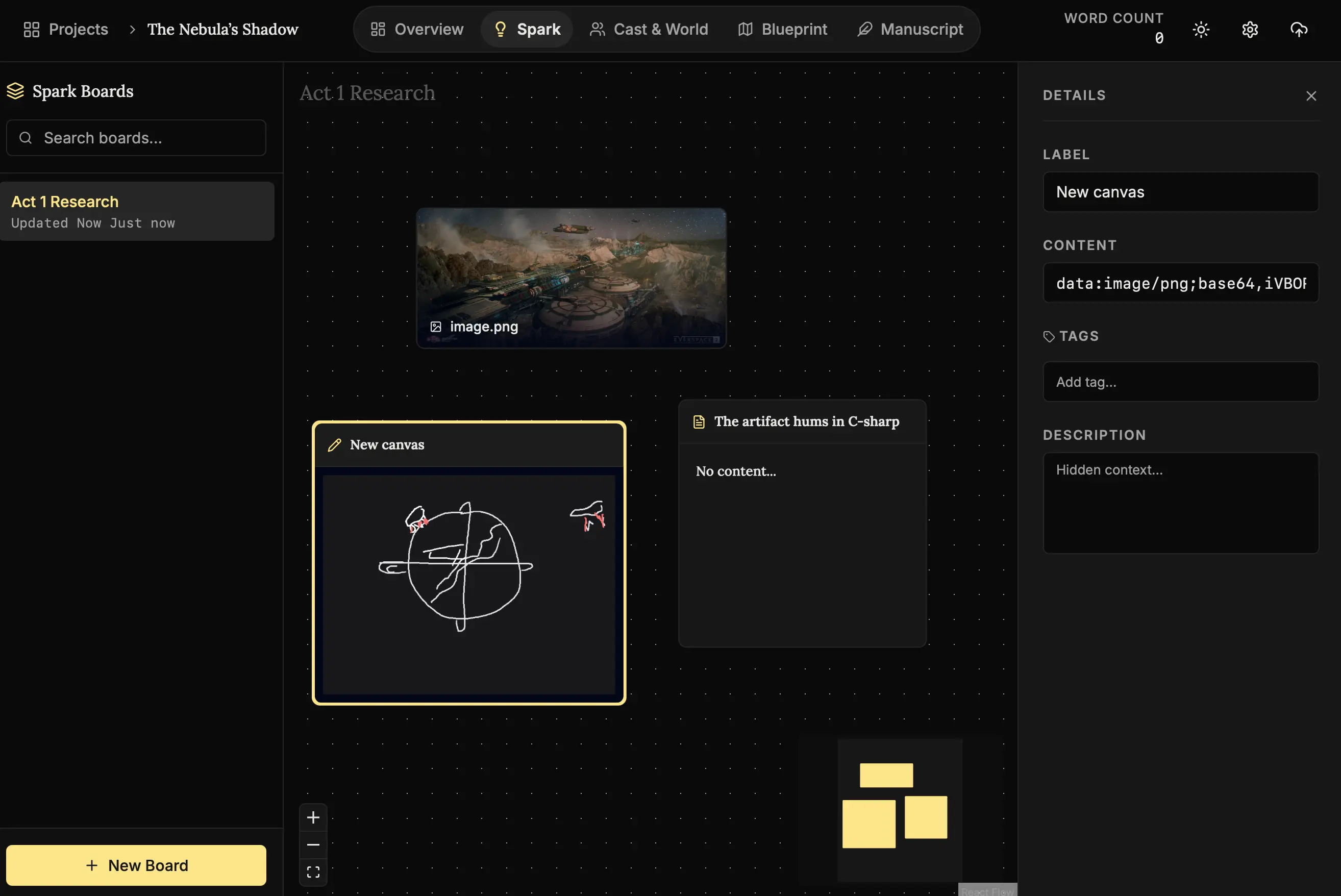
Pro Tip: Don’t try to be organized here. Group things by “vibe,” not logic. Let your subconscious find the connections.
Step 3: The Rabbit Hole Shield (Mini-Browser)
We’ve all been there: You open a browser to check “how long does it take to drown?” for a scene, and 2 hours later you are watching videos about cat grooming.
The Spark Board solves this with the Mini-Browser.
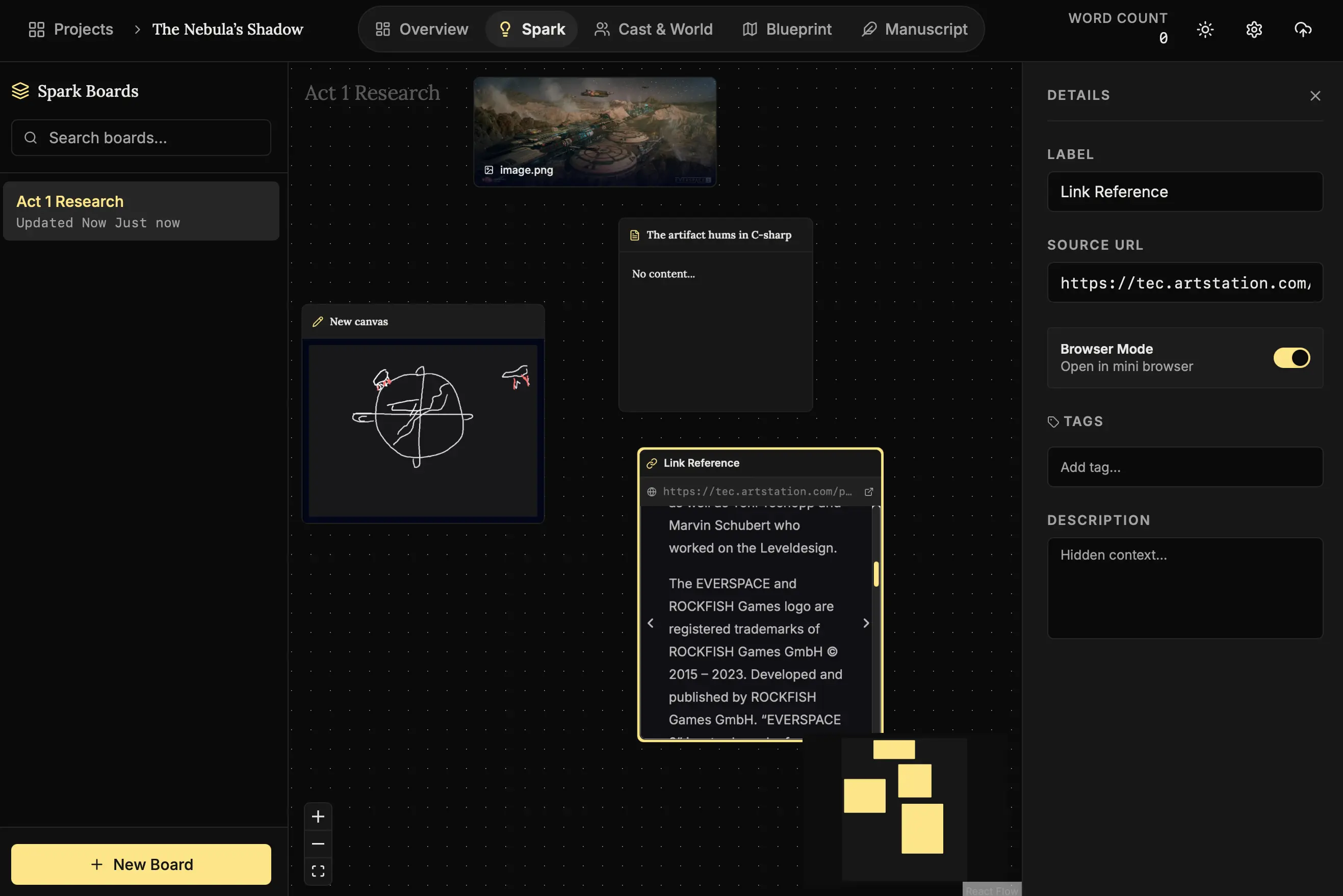
Why this feature exists:
It allows you to view a website inside the app. You can read the article and take notes on the canvas simultaneously, without ever leaving your writing environment. It keeps you safe from the distractions of the open internet.
Next Steps
Once you have enough ideas floating around, it’s time to solidify them into concrete characters.
- Lesson 5: Casting the Roles - turning ideas into people.
The storm is captured. Let’s give it form. ⚡🧠