Build the cast and the world
Before you start: finish Catch the idea: Overview and a Spark board.
A mystery is only as good as its suspects. Here you give each of them a page, build the village hall where it all happens, and write down the contest rules everybody claims to follow.
Add the characters
- Press ⌘ 3 for Cast & World. The CAST tab is open.
- Click New Character. You should now see Untitled Character in the list and their page on the right.
- Fill in the header:
- Display Name / Nickname:
Mabel Thorne
- Display Name / Nickname:
- On The Dossier tab, set Role to
Protagonistand Age to64. Role is the same field as Narrative Function (e.g. Anti-Hero, Foil) in the header, so it shows there too. - On The Soul tab, set Wants to Justice and Fears to Failure. Both lists take your own words too.
Now add the rest of the cast the same way. ⌥ ⌘ C makes a New Character from anywhere in the book:
| Display Name / Nickname | Role |
|---|---|
Iris Thorne |
Suspect |
Derek Pugh |
Constable |
Lionel Fairweather |
Victim |
You should now see four characters in the list, each with their role underneath. On the trial, a book holds three characters, so the fourth needs the full version.
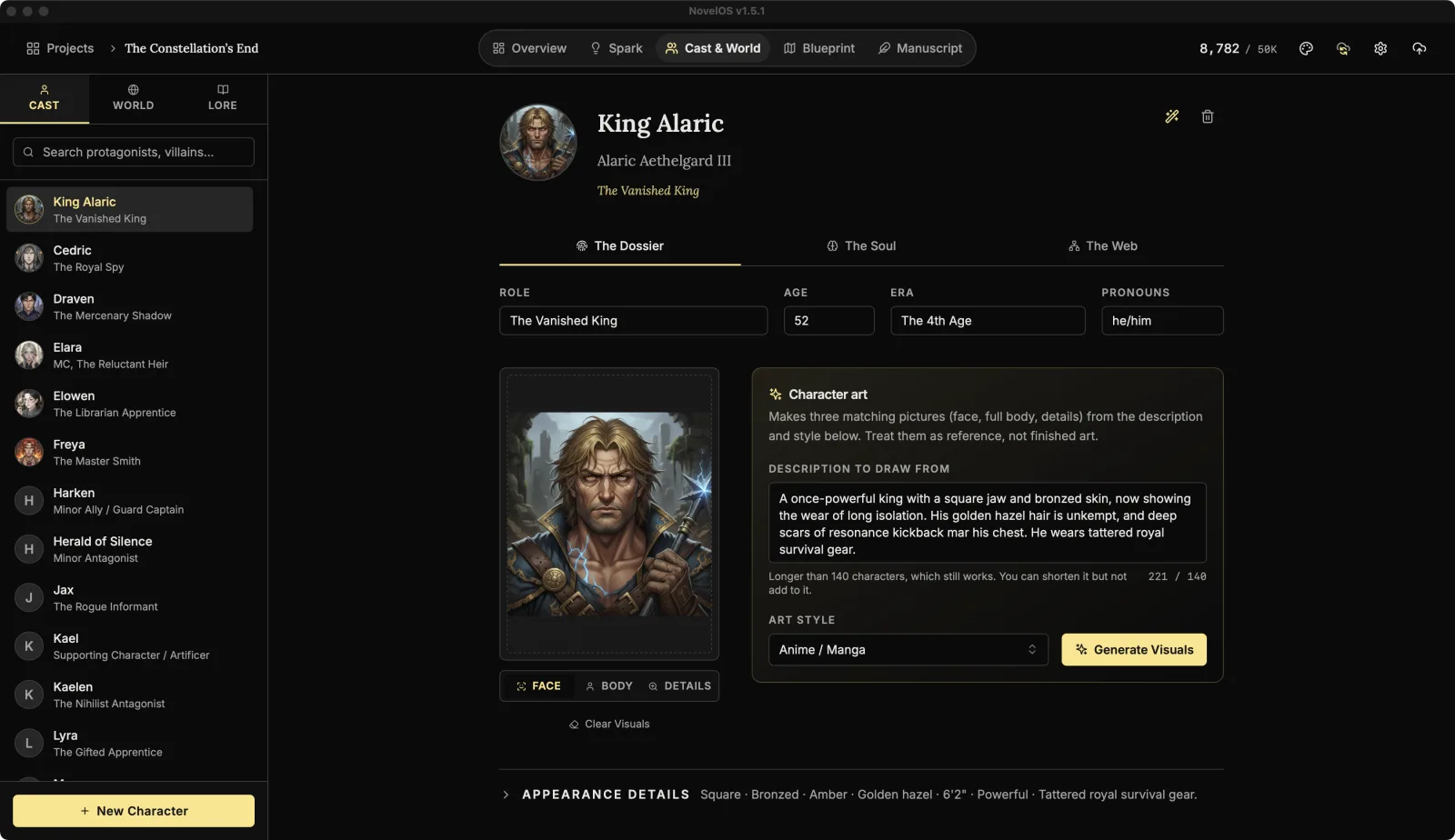
Optional, with a Muse key: The Oracle (AI Generator), the wand button at the top right of a character, invents characters that fit your book. It writes over the fields it fills, so use it on a new, empty character. See Characters.
Add a place
- Click the WORLD tab, then New Setting / Item.
- Set the Name to
Little Wickham Village Halland the Classification (e.g. Metropolis, Relic) toVillage hall. - On the Entry tab, describe it in Description: the smell of floor polish, the trestle tables, the radiator that only works in July.
- On the Properties tab, click Add Property. Set Attribute to
Seatsand Value to80 folding chairs, 79 of them wobbly.
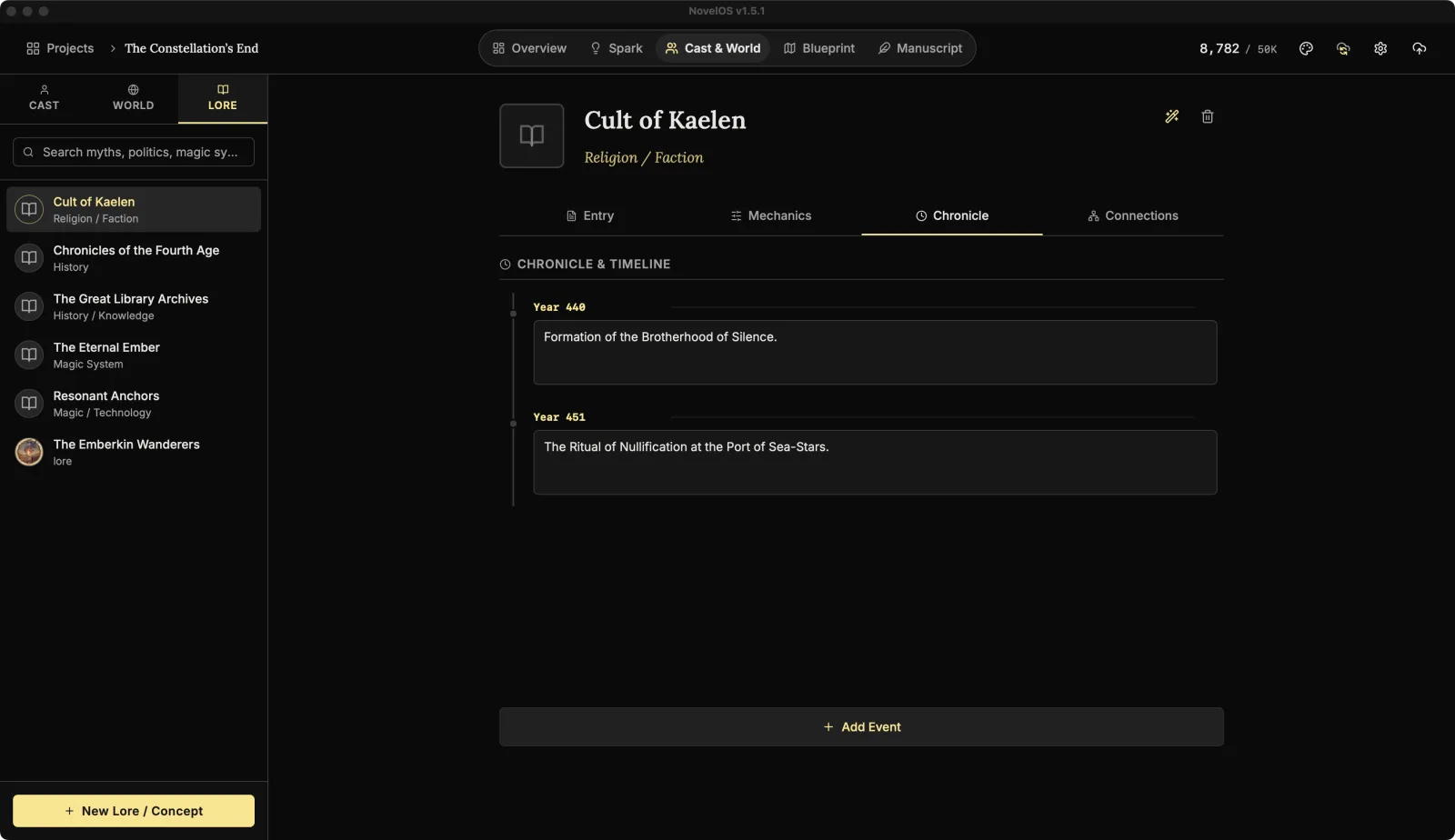
Add a piece of lore
Lore is for ideas rather than places: history, laws, the rules of a game.
- Click the LORE tab, then New Lore / Concept.
- Name it
The Marmalade Rulesand set Category (e.g. Hard Magic, Religion) toLaw. - On the Mechanics tab, click Add Property and add
Entries per householdwith the valueOne jar. - On the Chronicle tab, click Add Event. Put
1987in Date / Era, and describe what happened:The Great Seville Scandal: a jar disqualified for containing lemons.
You should now see The Marmalade Rules in the LORE list with Law under it.
Link them together
- Open Little Wickham Village Hall in the WORLD tab and click its Connections tab.
- Under Key Figures & Lore, click Add Link. In Select to Link, pick Mabel Thorne.
- Go back to the CAST tab, open Mabel Thorne, and click The Web.
You should now see the village hall under Locations & Items on Mabel's Connections. A link made on one side shows on the other.
Put the sisters on a family tree
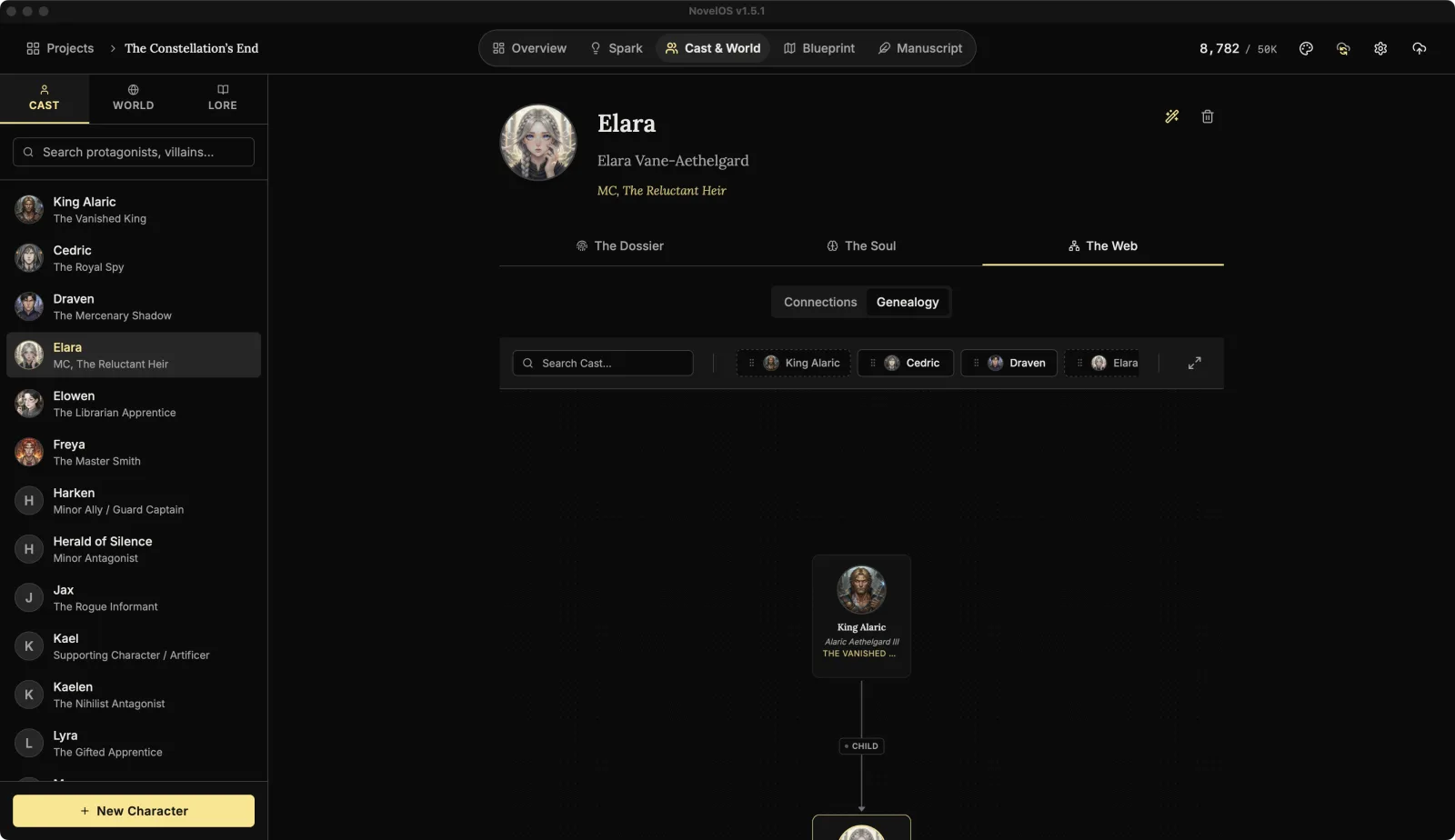
- Still on Mabel's The Web, switch to Genealogy. She shows Uncharted Lineage.
- Click Start Family Tree. Mabel appears on the canvas.
- In the cast tray beside the tree, find Iris Thorne and drag her toward Mabel.
- Slots appear around Mabel. Drop Iris on Younger Sibling.
- Click the Sibling label on the line between them, type
younger, and never lets you forget it, and press Enter.
You should now see both sisters on the tree, joined by your label. Open Iris's page and her Genealogy shows the same tree, because the book keeps one set of family ties.
Learn more
Next: Outline in Blueprint
Checked against NovelOS Studio 1.5.1 · Updated · View as Markdown